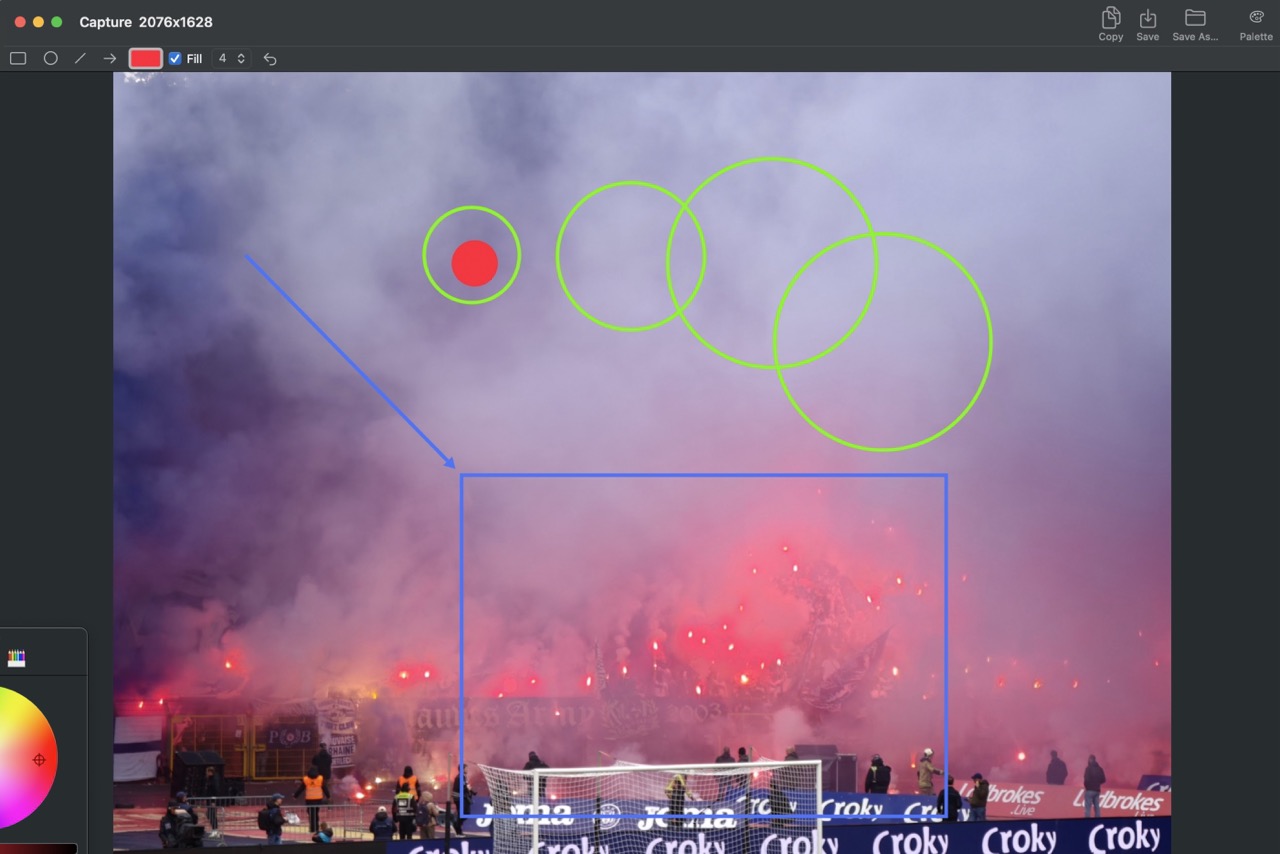
A macOS menu bar utility for quick screen captures with annotation tools.
Selection, full screen, or foremost window — triggered from the menu bar or global hotkeys.
Rectangle, circle, line, and arrow tools with adjustable color, fill, and line width.
Copy annotated captures to the pasteboard (Cmd+C, Enter) or save as PNG with automatic naming.
K-Means extracts 5 dominant colors from the capture. Click a swatch to set drawing color and copy its hex value.
Global shortcuts for all three capture modes — defaults suit both QWERTY and AZERTY layouts. Rebiddable in Preferences.
Last 10 captures persist across app restarts. Access them directly from the menu bar, with annotations preserved.
macOS 14.0+ (Sonoma), Apple Silicon
Download DotMenu.dmgComing soon
brew install --cask dotmenu